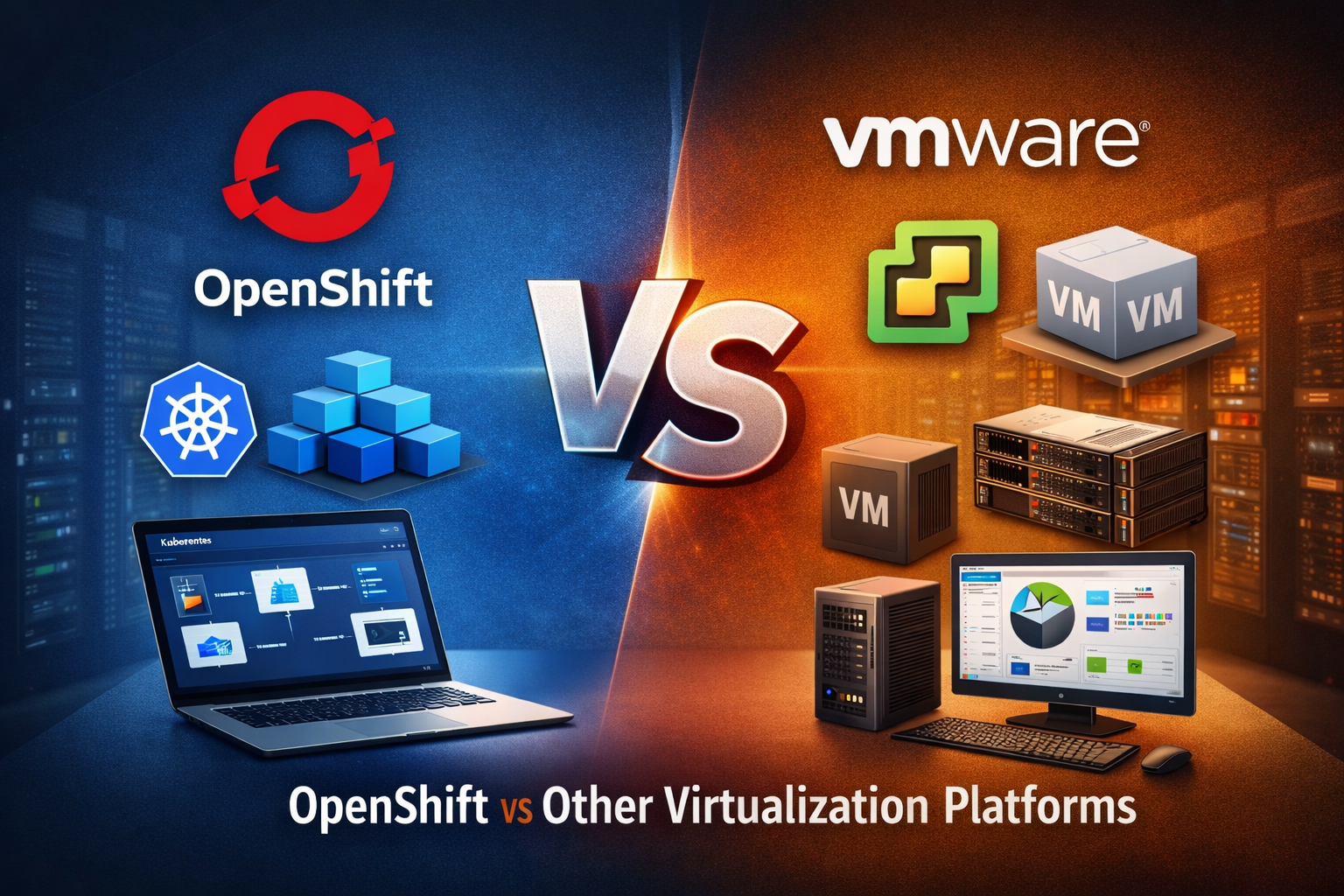
WHAT IS OPENSHIFT VIRTUALIZATION? OPENSHIFT VS OTHER VIRTUALIZATION
- KR NETWORK CLOUD
- April 3, 2026
Introduction
Modern IT infrastructure is rapidly evolving from traditional virtual machines to container-based environments. Organizations now look for platforms that can manage both workloads efficiently. This is where Red Hat introduces OpenShift Virtualization, a solution built into Red Hat OpenShift that bridges the gap between virtual machines and containers.
This article explains what OpenShift Virtualization is and compares it with traditional virtualization platforms like VMware.
What is OpenShift Virtualization?
OpenShift Virtualization is a feature of OpenShift that allows organizations to run and manage virtual machines (VMs) alongside container workloads within a single Kubernetes-based platform.
Instead of maintaining separate environments for VMs and containers, OpenShift Virtualization integrates both into one unified infrastructure.
According to the official documentation , OpenShift Virtualization enables:
- Creation and management of Linux and Windows virtual machines
- Running VMs and container workloads together in the same cluster
- Live migration of virtual machines between nodes
- Importing and cloning existing VMs
- Managing storage, networking, and VM lifecycle
- Access through web console and CLI tools
Key Concept
OpenShift Virtualization is not just a virtualization tool. It is built on Kubernetes, which means virtualization is handled using container-native technologies such as custom resources and operators.
Core Features of OpenShift Virtualization
1. Unified Platform
You can manage containers and VMs in one place instead of using separate systems.
2. Kubernetes-Native Architecture
Virtual machines run as pods, following Kubernetes principles for scheduling, scaling, and management.
3. Live Migration
VMs can move between nodes without downtime, improving availability and resource usage.
4. Flexible Storage and Networking
It supports persistent storage (PV/PVC) and advanced networking with plugins like OVN-Kubernetes.
5. Enterprise-Grade Scalability
- Supports thousands of VMs in a cluster
- Can scale across hundreds of nodes
- Designed for large production environments
6. Strong Security Model
- Uses role-based access control (RBAC)
- Runs workloads without root privileges
- Automatically manages TLS certificates
OpenShift Virtualization Architecture Overview
OpenShift Virtualization uses multiple operators to manage different components:
- Compute: virt-operator
- Storage: CDI operator
- Networking: Cluster Network Addons Operator
- Scaling & Performance: SSP operator
A central component called the HyperConverged Operator (HCO) manages all configurations and acts as the control point.
This operator-based architecture ensures automation, consistency, and easier lifecycle management.
OpenShift Virtualization vs Traditional Virtualization
1. Architecture Difference
| Feature | OpenShift Virtualization | Traditional Platforms (e.g., VMware vSphere) |
|---|---|---|
| Core Technology | Kubernetes-based | Hypervisor-based |
| Workload Type | Containers + VMs | Only VMs |
| Management | Unified platform | Separate tools |
| Scalability | Cloud-native scaling | Limited to infrastructure |
2. Resource Management
- OpenShift Virtualization uses Kubernetes scheduling and policies for resource optimization.
- Traditional platforms use tools like DRS (Dynamic Resource Scheduling).
In OpenShift, features like pod eviction policies and deschedulers help balance workloads dynamically .
3. Networking
- OpenShift uses OVN-Kubernetes and Multus for flexible networking
- Traditional platforms rely on solutions like NSX
OpenShift provides container-native networking with support for multiple interfaces per VM.
4. Storage
- OpenShift uses Persistent Volumes (PV) and Persistent Volume Claims (PVC)
- Traditional platforms use datastores
Storage in OpenShift is policy-driven using storage classes, offering more flexibility.
5. Live Migration
Both platforms support live migration:
- OpenShift: Native Kubernetes-based migration
- VMware: vMotion
However, OpenShift requires specific storage configurations like RWX access mode for migration .
6. Monitoring and Observability
- OpenShift uses built-in monitoring tools
- Traditional platforms use tools like vRealize
OpenShift integrates monitoring directly into the platform.
7. Cost and Licensing
- OpenShift Virtualization can reduce costs by consolidating infrastructure
- Traditional platforms often require separate licenses for hypervisors and tools
Advantages of OpenShift Virtualization
- Single platform for containers and VMs
- Cloud-native and future-ready architecture
- Better resource utilization
- Reduced operational complexity
- Strong integration with DevOps workflows
Limitations and Considerations
- Requires Kubernetes knowledge
- Some traditional virtualization features may differ
- Not all VMware concepts have direct equivalents
- Performance depends on proper storage and network configuration
When Should You Use OpenShift Virtualization?
OpenShift Virtualization is ideal when:
- You are modernizing legacy applications
- You want to run VMs and containers together
- You are moving toward a hybrid or multi-cloud strategy
- You want a DevOps-friendly infrastructure
Conclusion
OpenShift Virtualization represents a shift from traditional virtualization to a cloud-native model. By combining virtual machines and containers into a single platform, it simplifies infrastructure management and prepares organizations for modern application development.
While traditional platforms like VMware remain strong in VM-focused environments, OpenShift Virtualization offers a more flexible and future-ready approach by leveraging Kubernetes.
In simple terms, OpenShift Virtualization is not just an alternative to traditional virtualization. It is an evolution of it.