Software development has changed a lot in recent years. Today, companies release updates very often. New features, bug fixes, and improvements must reach users quickly. Because of this, developers and system administrators need to work closely together.
This is where a devops course becomes important.
DevOps is not just about tools. It is a working method where development and operations teams collaborate to build, test, and release software faster. Instead of doing many tasks manually, teams use automation to manage builds, testing, and deployments.
In this devops course, learners understand how modern DevOps environments work. You start with version control systems used to manage code. After that, you learn about build automation, container technology, and infrastructure automation.
The training focuses on practical learning. Students work with popular tools such as Git, Jenkins, Docker, Kubernetes, Ansible, and Terraform. These tools are commonly used in real-world projects, giving learners a clear picture of how applications move from development to production environments.
Many professionals look for the best devops course because they want to understand how these tools connect together in real DevOps environments. For this reason, this devops certification course explains the full DevOps workflow instead of teaching tools separately.
Students also learn about CI/CD pipelines, deploying containers, and automating infrastructure. As a result, the devops engineer course helps learners understand how modern teams manage and deploy applications efficiently.
For working professionals, devops online training provides flexible learning options. This allows learners to improve their skills while continuing their current jobs. Many professionals choose devops online training because it allows them to gain practical experience without interrupting their work schedule.
Overall, this devops course for beginners and experienced learners explains how DevOps teams build, test, and deploy software in modern IT environments. Because of its practical approach, many learners consider it the best devops course for building strong automation and deployment skills.
The main goal of this devops course is to help learners understand how software development and infrastructure automation work together in real IT environments.
Instead of focusing only on theory, the training includes practical tasks and real tools used by engineers. This DevOps Training program helps learners understand how automation improves software delivery.
After completing this DevOps Training, learners will understand how DevOps pipelines work and how different tools support automation across development and infrastructure teams.
After finishing the devops training courses program, learners will be able to:
During the training, learners also understand how these tools connect in a DevOps pipeline. Because every tool handles a different stage, this devops engineer training helps students understand the full automation process.
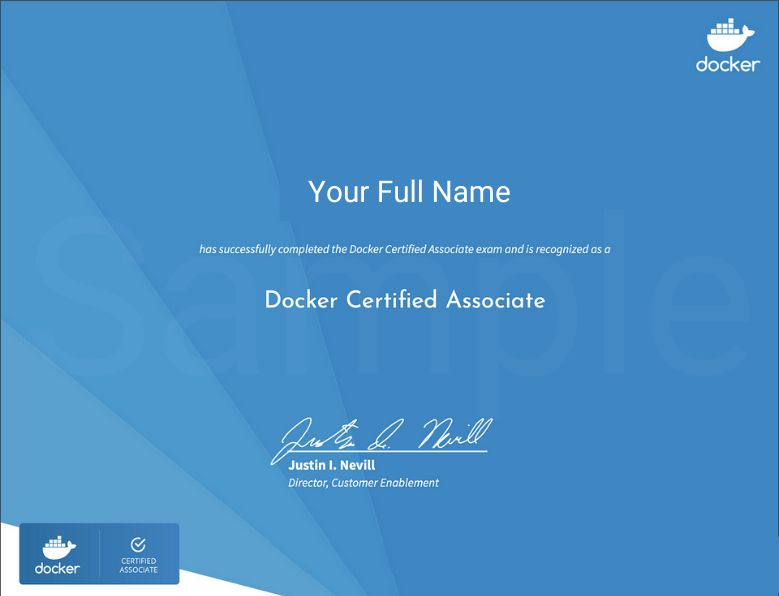
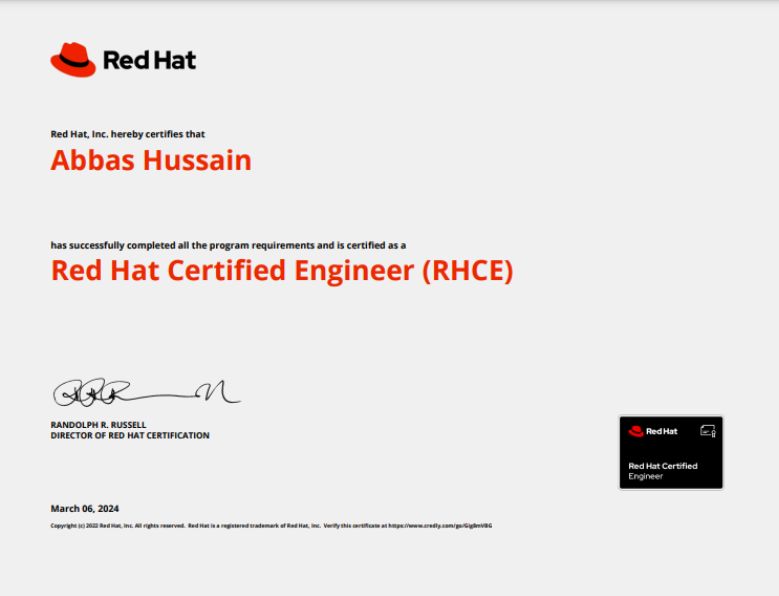
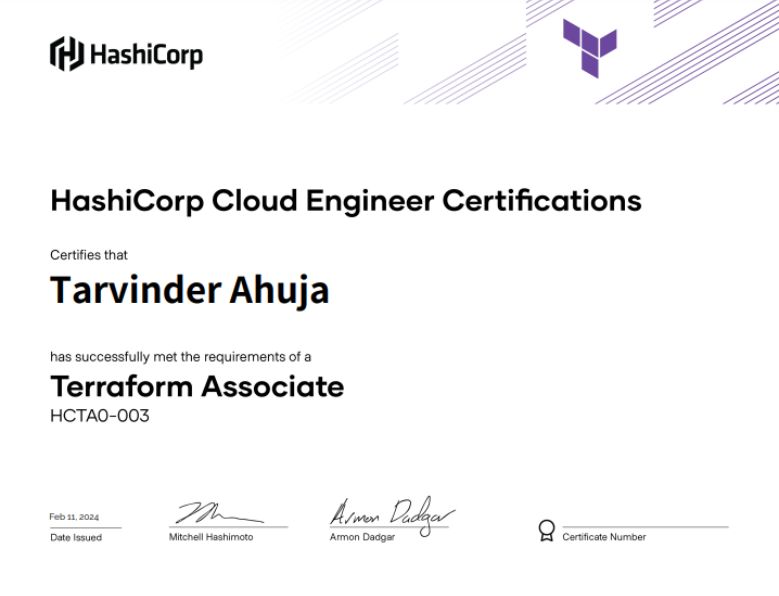
After completing the training, learners feel more confident preparing for a devops certification and working with DevOps tools in real environments.
This devops course introduces the tools commonly used by DevOps teams. Each tool solves a specific problem in the software delivery process and is an essential part of modern DevOps Training environments.
Git helps developers track code changes and collaborate with team members. It allows teams to manage branches, commits, and project history effectively.
Jenkins automates the build and deployment process. With automation, development teams can release updates faster and more reliably.
Docker packages applications and their dependencies into containers. Because of this, applications run the same way in development, testing, and production systems.
Kubernetes manages containers across clusters. It helps scale applications, manage deployments, and maintain service availability.
This topic is an important part of the devops engineer course and modern cloud-based DevOps infrastructure.
Ansible helps automate system configuration tasks. It is commonly used to manage multiple servers at the same time in DevOps environments.
Terraform allows infrastructure to be defined as code. This means servers, networks, and cloud resources can be created automatically.
Maven helps manage application builds and project dependencies. It ensures that applications build correctly across different environments.
SonarQube scans source code and finds issues such as bugs and security risks. This helps development teams maintain better code quality.
Nexus stores application packages and build artifacts. It helps manage software dependencies used in development projects.
Because this devops course combines these technologies, learners clearly understand how a complete DevOps pipeline works in real-world projects.
If you are planning to start this training and need proper guidance you can watch our recorded session of Complete DevOps Roadmap
Students Quiz Sessions
Before joining this devops course training program, learners should have some basic technical knowledge.
Recommended prerequisites include:
However, beginners can still join this devops course for beginners if they are willing to learn infrastructure automation. The training starts with fundamentals and gradually moves to advanced topics.
Software companies release updates regularly. Because of this, they need systems that allow fast and reliable deployments. DevOps practices help companies achieve this goal.
Learning a devops course offers several benefits.
Automation reduces repetitive manual work. As a result, teams can focus more on development and innovation.
DevOps engineers also work with modern technologies such as containers, automation tools, and cloud platforms. These technologies are widely used in product companies and cloud environments.
Because of this demand, completing a devops certification course helps learners build skills that many companies are looking for.
Many professionals search for the best devops course because DevOps connects development, operations, and automation together. Instead of focusing on a single area, DevOps combines multiple technical skills.
Because of this, the devops engineer course helps learners improve their technical knowledge and career opportunities.
This devops course is suitable for many types of learners.
It is useful for:
Professionals working in cloud environments can improve their automation skills through this devops engineer training.
Similarly, beginners who want to enter infrastructure roles can start with this devops course for beginners.
You can join this devops course if you are interested in automation and cloud infrastructure.
You may find this training helpful if you want to:
Even beginners can learn the DevOps workflow step by step through this devops certification course and prepare for industry-recognized devops certification exams.
After completing this devops certification course, learners can explore several career roles.
Common roles include:
Because companies rely on automation and cloud systems, professionals with devops certification and practical skills are in high demand across many industries
After completing this devops course, learners can continue building advanced skills.
Recommended next steps include:
Many professionals also pursue advanced devops certification programs after completing this DevOps Training to improve their knowledge of cloud architecture and automation systems